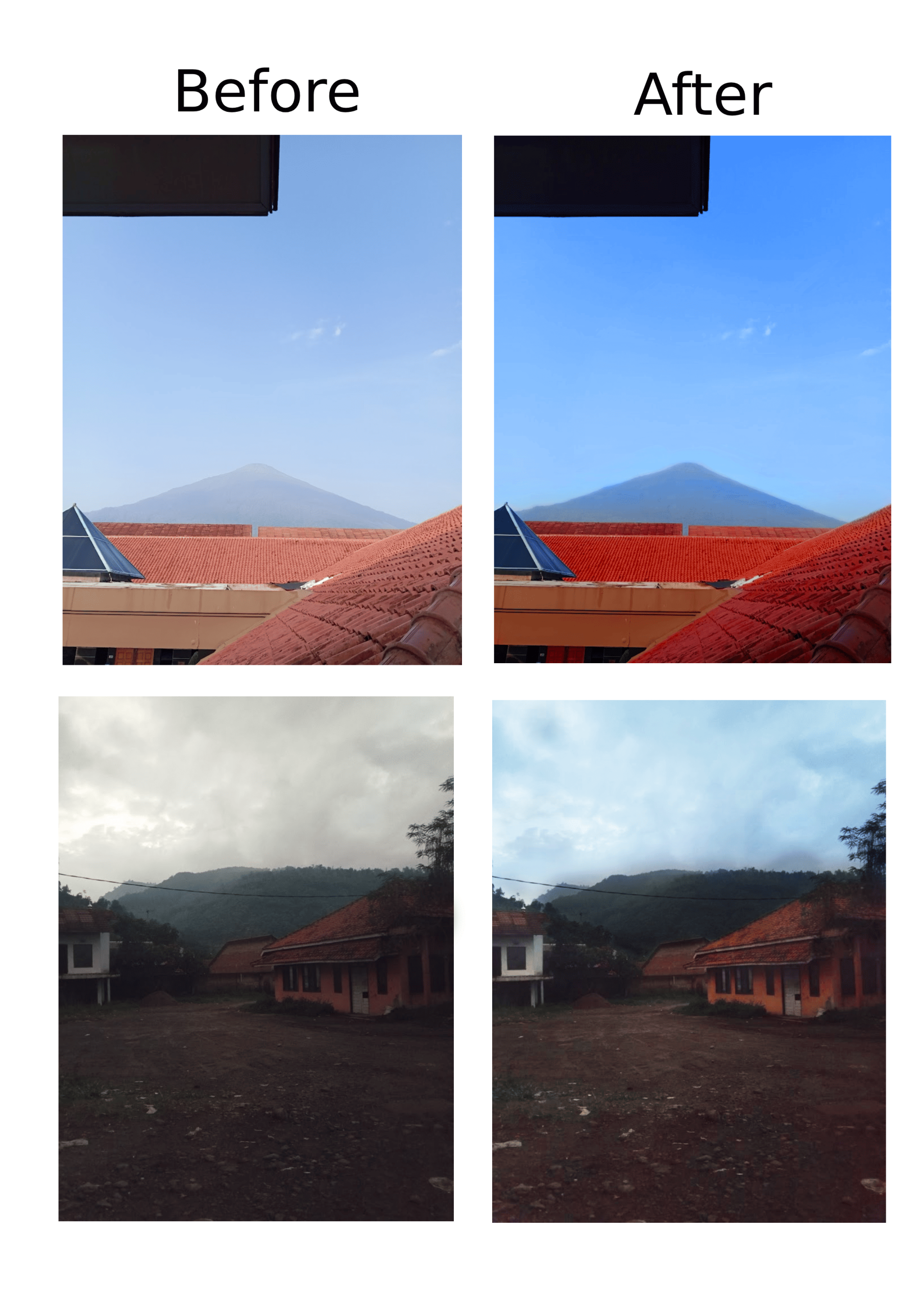
Hello everyone, this is my English project. Today I will talk about an IT Presentation. I will show you how to use Photopea and change the picture vibes. Photopea is an online editing website like Photoshop, but we can use it for free. First, open photopea.com on your browser. Then click “Open from Computer” and choose your photo. After that, you can click “Image” and choose “Adjustments” to change brightness, contrast, and color. If you want a warm vibe, add more yellow and orange. If you want a cool vibe, add more blue.