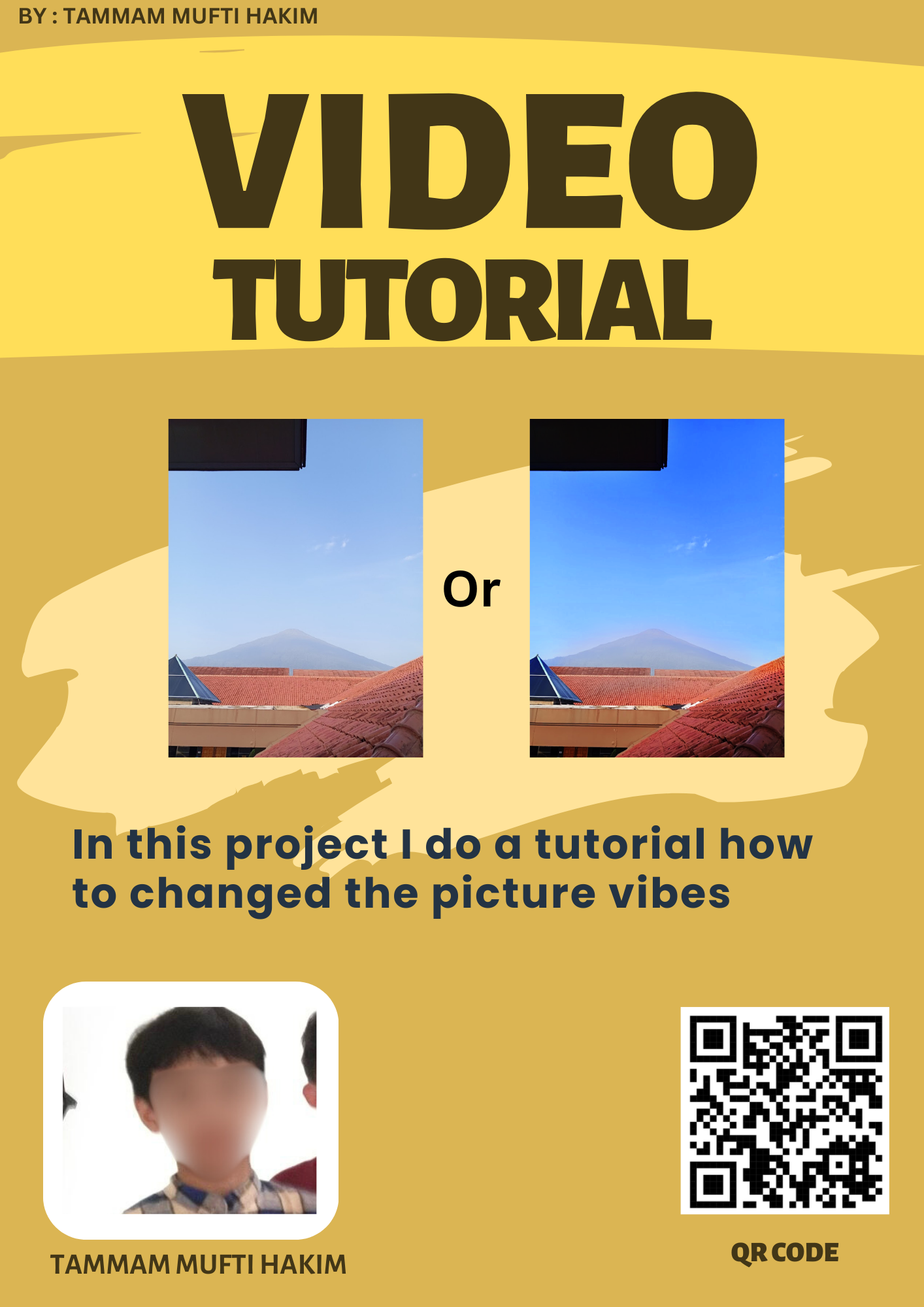
Hello everyone, this is my multimedia project. I made a tutorial about how to change the picture vibe in Photopea. In this video, I show step by step how to make a photo look brighter, softer, or more aesthetic. First, I open the picture in Photopea. Then I adjust the brightness, contrast, and color balance to change the mood of the photo. After that, I add some filters to make it look better. I edited this tutorial video using CapCut so it looks clear and easy to understand. Thank you for watching my project.